Managed Intelligence as a Service Powered by ThreatStream Next-Gen
We gather threat intelligence from thousands of sources, verify and enrich it, and attach it to every alert automatically — so nothing reaches your team without context already built in.
Managed Intelligence as a Service fuses external threat intelligence with your environment context, including assets, users, event logs, incident history to deliver it curated, scored, and ready to act on. Directly into your detections, investigations, and AI agents.
Why ThreatStream Next-Gen
Why Managed Intelligence as a Service
Powered by ThreatStream Next-Gen
60%
CTI Management Improvement
60–70%
Analyst Time
Saved
Threat Intelligence Doesn’t Fail at Collection. It Fails at the Point of Decision.
Your team collects feeds. They have indicators. What they don’t have is curated, high-confidence, synthesized intelligence operationalized to the level where a detection fires, an analyst acts, or an agent responds all informed by what that threat means in your specific environment. The manual path from ‘we know about this’ to ‘we’re defended against it’ takes days. That gap is where decisions stall and breaches succeed.
48–72 hours
Average elapsed time from IOC discovery to operationalized detection.
Intelligence Built for Security Operations Not Threat Research.
Managed Intelligence as a Service fuses intelligence directly into operational workflows, embedding it in every detection, every investigation, every automated response.
Curated, confidence-scored threat intelligence
maintained continuously — not static feeds.
Native enrichment of security telemetry and alerts
in real time.
Context that travels with every alert and investigation
eliminating swivel-chair analysis.
Validated, fused intelligence trustworthy
enough for agents to act on.
CORE CAPABILITIES
Curated Threat Intelligence
High-confidence indicators sourced, scored, and maintained continuously.
Operational Enrichment
Apply intelligence to logs, alerts, and events in real time.
Threat Context That Travels
Intelligence follows alerts and investigations — no swivel-chair analysis.
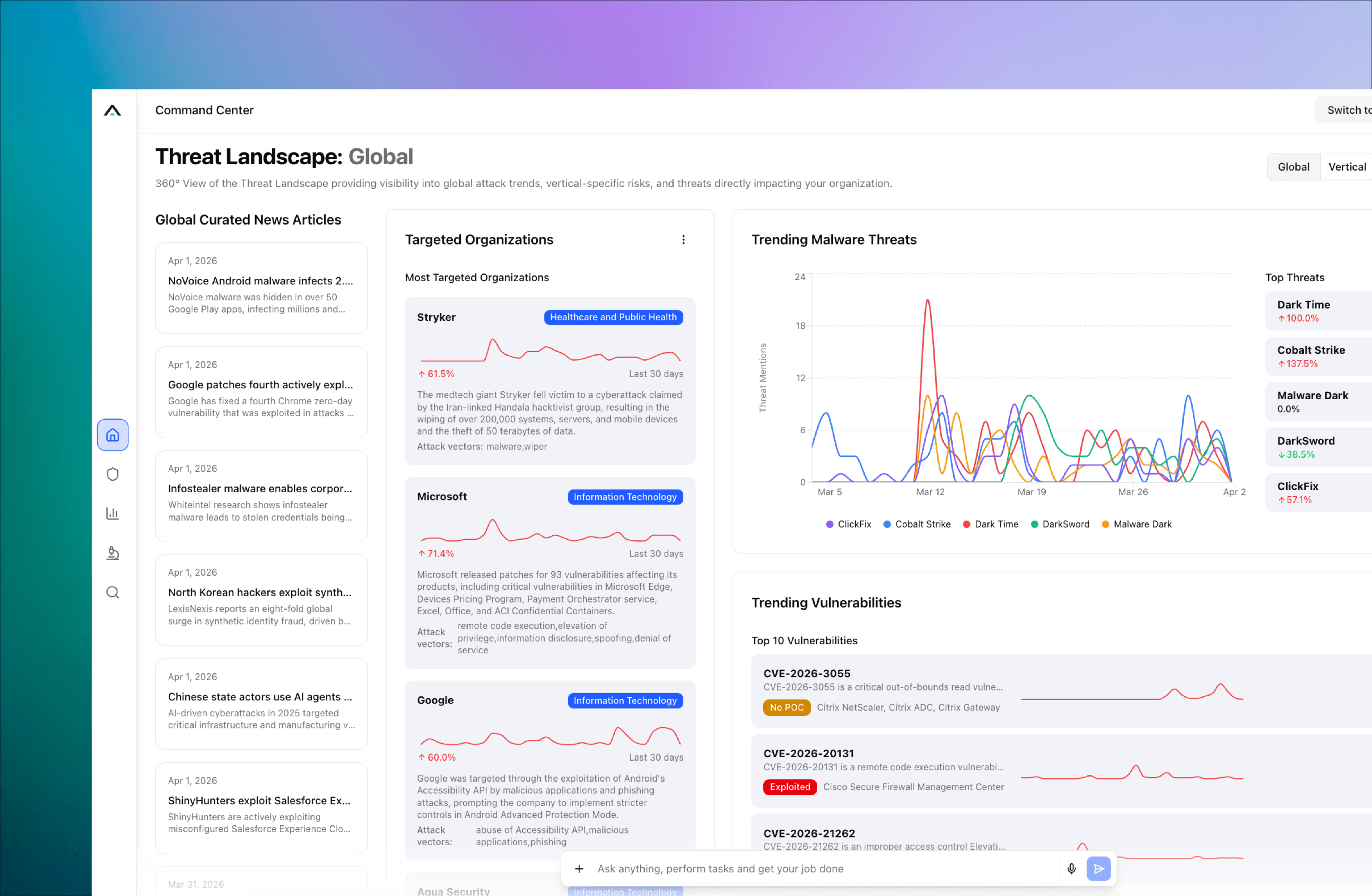
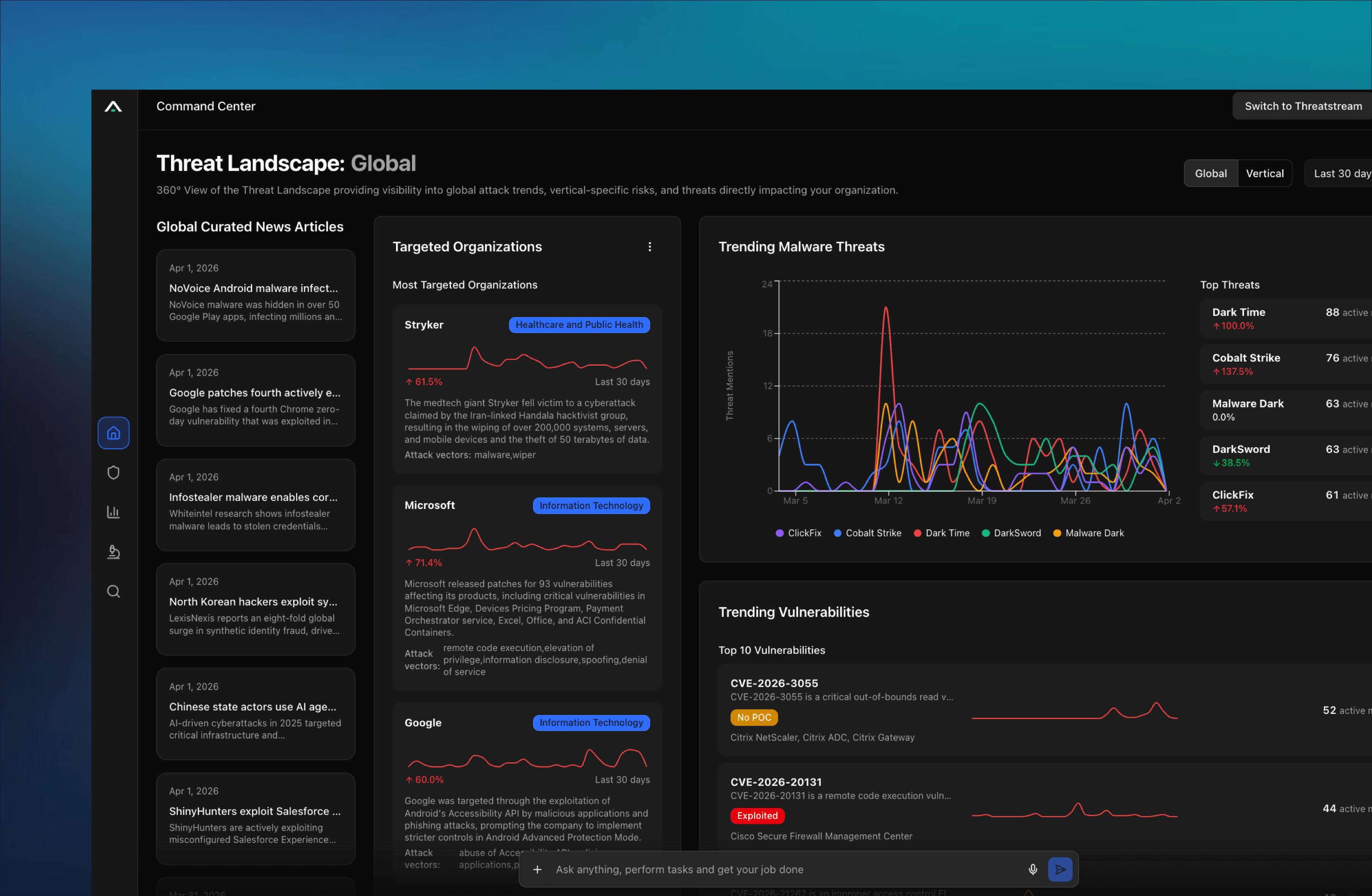
Intelligence-Driven Prioritization
Focus analysts on threats that matter to your environment.
Built for Automation and AI
Intelligence outputs designed to power analytics, automation, and agentic SOC workflows.
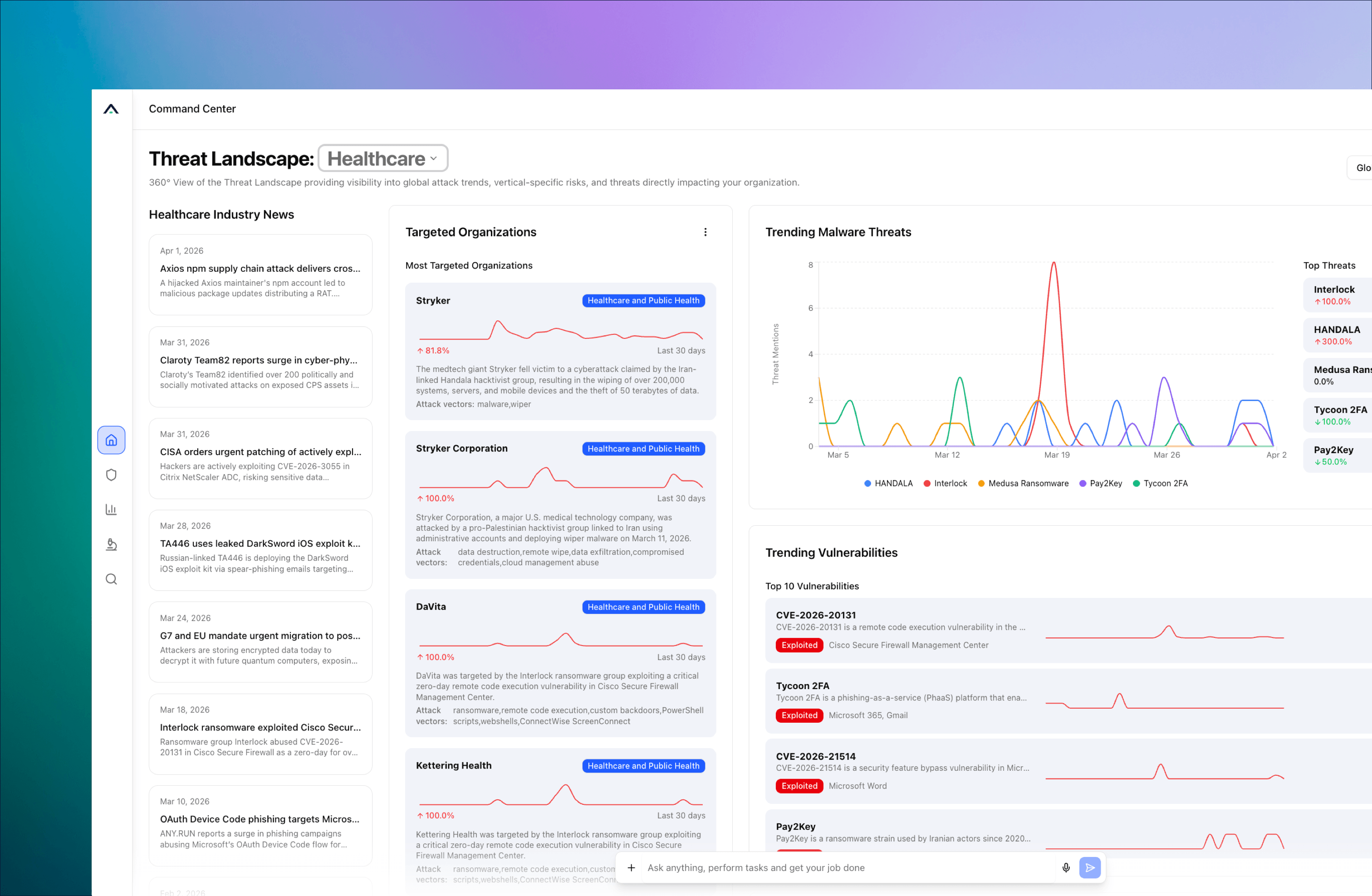
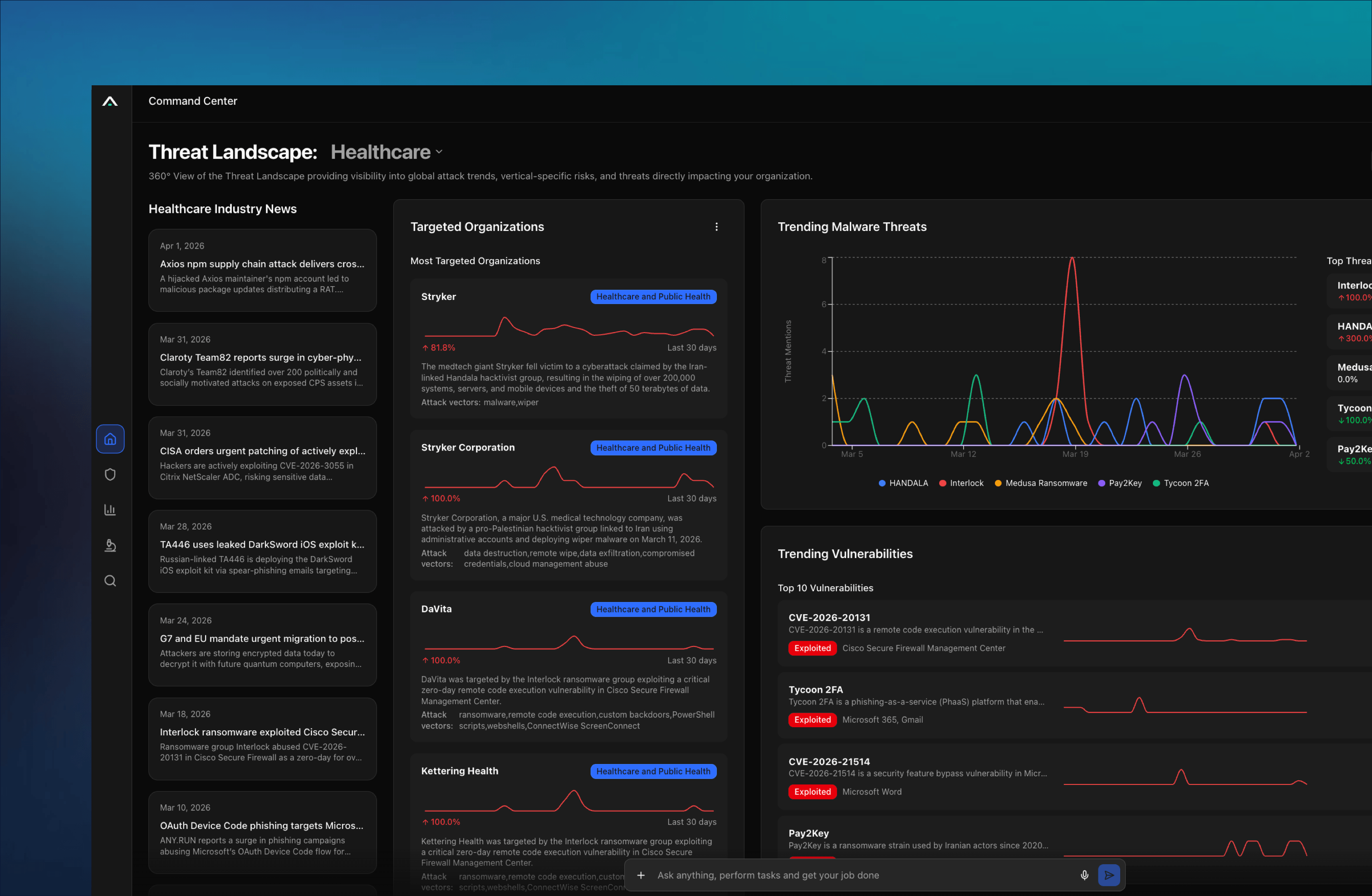
Anticipate Defensive Tactics
Correlate Indicators of Compromise and predictive Indicators of Attack (IOAs) with your environment telemetry
How it works
From raw threat data to defensive action.
1. Collect & Curate
Aggregate intelligence from hundreds of open, commercial, and community sources backed by over a decade of continuously curated threat graph. Machine learning and analyst review normalize, deduplicate, and score continuously. Low-confidence noise never reaches your tools.
2. FUSE & CONTEXTUALIZE
External intelligence is fused with your environment context: your assets, your users, your event logs, your incident history. An IOC in the wild means something different in your environment. Only fused intelligence can make that distinction. This creates the context that travels with every detection and investigation: actor attribution, campaign mapping, and a confidence score your team can act on.
3. OPERATIONALIZE
Push fused intelligence to detection tools, response playbooks, and AI agents automatically. Create detection rules, block malicious infrastructure, and accelerate investigations without analyst intervention. Intelligence operationalized in minutes, not business days.
Agents Without Intelligence Are Useless. At Machine Speed, Useless Is a Liability.
Security teams are deploying AI agents for triage, investigation, and response. Those agents hit the same gap your analysts do: they need threat context and environment context in one place to reason correctly. Without fused, validated intelligence, agents propagate bad decisions across your entire operation. Managed Intelligence as a Service is the trust layer that makes agentic operations dependable.
1. API-FIRST ARCHITECTURE
Every piece of intelligence is accessible programmatically. Build custom automations or connect your orchestration platform directly to the intelligence graph.
2. NATIVE AI AGENT INTEGRATIONS
AI agents query the intelligence graph directly for real-time threat context during investigation, triage, and response. No middleware required.
3. CAMPAIGN-LEVEL PREDICTION
Connect indicators to active threat campaigns and actor TTPs. Anticipate adversary moves by adapting to behavior patterns, not just individual IOCs.
USE CASEs
Threat-Informed Detection
Automatically generate and update detection rules from fused intelligence.
AI-powered triage & response
Give your AI agents a validated intelligence layer so they classify, prioritize, and act without waiting for a human.
Intelligence Sharing
Distribute finished intelligence to ISACs, partners, and internal teams via Trusted Circles and STIX/TAXII.
Customer Proof
“Anomali has been one of the only platforms we’ve seen that allows us to tag our own intelligence, apply confidence ratings, and collaborate with other intel sources to get a better picture of the attacker infrastructures, etc. at play in cyber attacks.”
- Cybersecurity Specialist, Transportation industry
The Intelligence Foundation for the Anomali Agentic SOC Platform.
Managed Intelligence as a Service delivers standalone value today. It’s also the intelligence layer that powers the full Anomali platform: unified security data, detection engineering, and agentic AI operations. Start with intelligence. Expand as you’re ready.
Make intelligence the foundation of every security decision.
Close the gap between knowing and acting. Operationalize intelligence in minutes, not days.